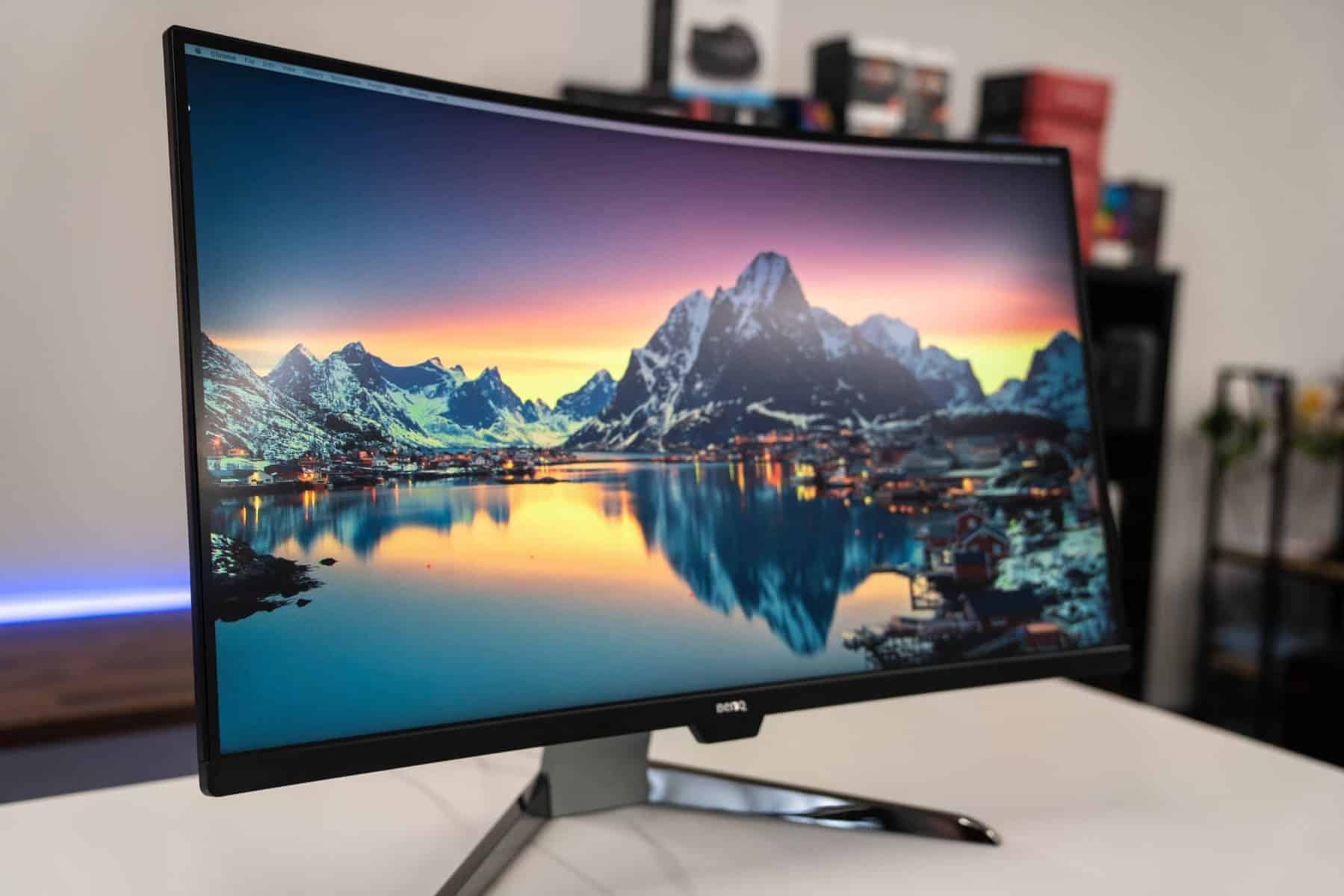
The Ultimate Guide to 144Hz Gaming Monitors: Elevate Your Gameplay
In the realm of PC gaming, where every millisecond counts, the monitor you choose can be the difference between victory and defeat. While resolution and color accuracy are important, refresh rate stands out as a game-changer. Enter the 144Hz gaming monitor – a display technology that has become a staple for competitive gamers and enthusiasts alike. This comprehensive guide will delve into everything you need to know about 144Hz monitors, helping you determine if they are the right choice for your gaming setup.
What is Refresh Rate?
Before diving into the specifics of 144Hz monitors, it’s essential to understand what refresh rate actually means. Refresh rate, measured in Hertz (Hz), indicates how many times per second a monitor updates the image displayed on the screen. A 60Hz monitor refreshes the image 60 times per second, while a 144Hz monitor refreshes the image 144 times per second.
Why is 144Hz Important for Gaming?
The higher refresh rate of a 144Hz monitor offers several significant advantages for gamers:
- Reduced Motion Blur: One of the most noticeable benefits is the dramatic reduction in motion blur. With more frequent image updates, fast-moving objects appear clearer and more defined, making it easier to track targets in fast-paced games.
- Smoother Gameplay: The increased refresh rate results in significantly smoother animations and transitions. This fluidity enhances the overall gaming experience, making it feel more responsive and immersive.
- Lower Input Lag: Input lag refers to the delay between your actions (e.g., moving the mouse, pressing a key) and the corresponding response on the screen. A 144Hz monitor can help reduce input lag, giving you a competitive edge by allowing you to react faster.
- Improved Target Tracking: In first-person shooters (FPS) and other fast-paced games, the ability to track moving targets accurately is crucial. The reduced motion blur and smoother animations of a 144Hz monitor make it easier to keep your crosshair on the enemy.
- Reduced Eye Strain: While it might seem counterintuitive, a higher refresh rate can actually reduce eye strain. The smoother image and reduced flickering can make gaming sessions more comfortable, especially during long periods of play.
Do You Need a 144Hz Monitor?
While the benefits of a 144Hz monitor are undeniable, it’s important to consider whether it’s the right investment for your specific needs and gaming habits. Here’s a breakdown of who can benefit most from a 144Hz display:
- Competitive Gamers: If you’re serious about competitive gaming, especially in genres like FPS, MOBAs, and racing games, a 144Hz monitor is almost essential. The improved responsiveness and reduced motion blur can give you a significant advantage over opponents using lower refresh rate displays.
- Enthusiast Gamers: Even if you don’t compete professionally, a 144Hz monitor can greatly enhance your gaming experience. The smoother gameplay and reduced eye strain can make your favorite games more enjoyable.
- Fast-Paced Game Lovers: If you primarily play games that require quick reflexes and precise movements, such as action games, fighting games, or fast-paced RPGs, a 144Hz monitor can significantly improve your performance.
Factors to Consider When Choosing a 144Hz Monitor
Once you’ve decided that a 144Hz monitor is right for you, it’s time to start researching specific models. Here are some key factors to consider:
-
Resolution: The resolution of your monitor determines the level of detail you can see on the screen. Common resolutions for 144Hz gaming monitors include:
- 1080p (1920×1080): The most affordable and widely used resolution. It’s a good choice if you have a mid-range gaming PC or prefer higher frame rates over ultra-high detail.
- 1440p (2560×1440): A step up from 1080p, offering a sharper and more detailed image. It’s a popular choice for gamers with powerful PCs who want a balance between performance and visual fidelity.
- 4K (3840×2160): The highest resolution currently available for gaming monitors. It provides incredible detail and clarity but requires a very powerful PC to run games at high frame rates.
-
Panel Type: The panel type of your monitor affects its color accuracy, viewing angles, and response time. The most common panel types for gaming monitors are:
- TN (Twisted Nematic): Known for their fast response times and high refresh rates. TN panels are often the most affordable option, but they typically have narrower viewing angles and less accurate colors than other panel types.
- VA (Vertical Alignment): Offer a good balance between response time, color accuracy, and viewing angles. VA panels also tend to have excellent contrast ratios, resulting in deeper blacks and more vibrant colors.
- IPS (In-Plane Switching): Known for their excellent color accuracy and wide viewing angles. IPS panels are a popular choice for gamers who value visual fidelity, but they may have slightly slower response times than TN panels.
- Response Time: Response time measures how quickly a pixel can change from one color to another. A lower response time reduces ghosting and blurring, which is especially important for fast-paced games. Look for monitors with a response time of 5ms or less.
- Adaptive Sync Technology: Adaptive sync technologies, such as NVIDIA G-Sync and AMD FreeSync, help synchronize the refresh rate of your monitor with the frame rate of your graphics card. This eliminates screen tearing and reduces stuttering, resulting in a smoother and more enjoyable gaming experience.
- Size and Aspect Ratio: The size and aspect ratio of your monitor are largely a matter of personal preference. Common sizes for gaming monitors range from 24 inches to 32 inches. Aspect ratios of 16:9 are the most common, but ultrawide monitors with aspect ratios of 21:9 or 32:9 are also available.
- Connectivity: Ensure the monitor has the necessary ports for your PC and other devices. Common ports include HDMI, DisplayPort, and USB.
- Ergonomics: Look for a monitor with adjustable height, tilt, and swivel so you can find the most comfortable viewing position.
Dispelling Myths About 144Hz Monitors
There are a few common misconceptions about 144Hz monitors that are worth addressing:
- "You Can’t See the Difference Between 60Hz and 144Hz": While some people may be less sensitive to refresh rate differences, most gamers will notice a significant improvement in smoothness and responsiveness when switching to a 144Hz monitor.
- "You Need a Top-of-the-Line PC to Benefit from a 144Hz Monitor": While a powerful PC is required to run games at high frame rates, you don’t need the absolute best hardware to see the benefits of a 144Hz monitor. Even if you can only achieve frame rates of 80-100 FPS, the smoother gameplay will still be noticeable.
- "All 144Hz Monitors Are the Same": As with any technology, there are differences in quality and features between different 144Hz monitors. Factors like panel type, response time, and adaptive sync technology can all affect the overall gaming experience.
Setting Up Your 144Hz Monitor
Once you’ve purchased your 144Hz monitor, it’s important to set it up correctly to ensure you’re getting the most out of it:
- Connect the Monitor to Your PC: Use a DisplayPort cable for the best performance. HDMI can also support 144Hz at 1080p or 1440p, but make sure your cable and graphics card support it.
- Enable 144Hz in Windows: Go to Display Settings > Advanced Display Settings > Display Adapter Properties. Under the "Monitor" tab, select 144Hz as the refresh rate.
- Enable Adaptive Sync: If your monitor supports G-Sync or FreeSync, enable it in the NVIDIA Control Panel or AMD Radeon Settings.
- Optimize Game Settings: Adjust your game settings to achieve the highest possible frame rates. Lowering graphics settings can help you reach 144 FPS.
The Future of Gaming Monitors
While 144Hz monitors have become the standard for competitive gaming, the technology continues to evolve. We’re now seeing the emergence of even higher refresh rate monitors, such as 240Hz and 360Hz displays, as well as new panel technologies like OLED and Mini-LED. These advancements promise to further improve the gaming experience, offering even smoother gameplay, more vibrant colors, and deeper contrast.
Conclusion
A 144Hz gaming monitor is a worthwhile investment for serious gamers who want to improve their performance and enjoy a smoother, more immersive gaming experience. By considering the factors outlined in this guide, you can choose the perfect 144Hz monitor to suit your needs and take your gameplay to the next level.