Unlocking Affordable Gaming: Finding the Best Deals on Budget-Friendly Gaming Laptops
For passionate gamers, the allure of immersive worlds, high-octane action, and stunning visuals is irresistible. However, the price tag associated with high-performance gaming hardware can often be a barrier to entry. Fortunately, the gaming laptop market has evolved significantly, with a growing number of affordable options that deliver a satisfying gaming experience without breaking the bank.
This article delves into the world of affordable gaming laptops, exploring the key features to consider, the trade-offs you might encounter, and how to find the best deals to maximize your gaming budget.
Defining "Affordable": Setting Realistic Expectations
Before diving into specific models and deals, it’s essential to define what "affordable" means in the context of gaming laptops. While prices fluctuate and sales events can offer significant discounts, a realistic budget for an entry-level gaming laptop typically falls within the range of $700 to $1200. Laptops in this price range might not boast the absolute latest and greatest components, but they can still provide a smooth and enjoyable gaming experience at 1080p resolution with medium to high settings in many popular titles.
Key Components to Consider When Choosing an Affordable Gaming Laptop
When evaluating affordable gaming laptops, focus on these key components:
- Processor (CPU): The CPU is the brain of your laptop, responsible for handling game logic, AI, and other background tasks. Look for a CPU from Intel’s Core i5 or AMD’s Ryzen 5 series. These processors offer a good balance of performance and affordability for gaming.
- Graphics Card (GPU): The GPU is the most critical component for gaming, as it renders the visuals you see on the screen. Aim for a laptop with an NVIDIA GeForce GTX 1650, GTX 1650 Ti, RTX 3050, or an AMD Radeon RX 5500M, RX 6500M. These GPUs can handle most modern games at 1080p with reasonable settings.
- RAM (Memory): RAM is crucial for multitasking and ensuring smooth gameplay. 8GB of RAM is the bare minimum for modern gaming, but 16GB is highly recommended, especially if you plan to stream or run other applications in the background.
- Storage: A fast storage drive is essential for quick loading times. Opt for a laptop with a Solid State Drive (SSD) as the primary storage device. A 256GB SSD is sufficient for the operating system and a few games, but a 512GB or 1TB SSD offers more breathing room.
- Display: The display is your window into the gaming world. Look for a laptop with a 15.6-inch or 17.3-inch display with a Full HD (1920×1080) resolution and a refresh rate of at least 60Hz. A higher refresh rate (120Hz or 144Hz) will provide a smoother and more responsive gaming experience.
- Cooling System: Gaming laptops generate a lot of heat, so an effective cooling system is crucial to prevent thermal throttling and maintain performance. Look for laptops with multiple heat pipes, fans, and vents.
Potential Trade-offs in Affordable Gaming Laptops
To achieve a lower price point, manufacturers often make compromises in certain areas. Be aware of these potential trade-offs:
- Build Quality: Affordable gaming laptops may have a plastic chassis instead of a more premium metal construction. This can affect the overall durability and feel of the laptop.
- Display Quality: The display might have lower color accuracy, brightness, or contrast compared to more expensive models.
- Battery Life: Gaming laptops are notorious for their short battery life, and affordable models are no exception. Expect to get only a few hours of battery life when gaming.
- Keyboard and Trackpad: The keyboard and trackpad might not be as comfortable or responsive as those found on higher-end laptops.
- Ports: Affordable laptops might have a limited selection of ports, such as USB ports, HDMI ports, and SD card readers.
Tips for Finding the Best Deals on Affordable Gaming Laptops
- Shop Around and Compare Prices: Don’t settle for the first deal you find. Compare prices from different retailers, both online and in-store.
- Look for Sales Events: Take advantage of sales events such as Black Friday, Cyber Monday, and back-to-school sales. These events often offer significant discounts on gaming laptops.
- Consider Refurbished or Open-Box Laptops: Refurbished or open-box laptops can be a great way to save money. Just make sure to buy from a reputable seller with a warranty.
- Check for Bundles and Promotions: Some retailers offer bundles that include a gaming laptop along with accessories such as a gaming mouse, headset, or backpack.
- Read Reviews: Before making a purchase, read reviews from other users to get an idea of the laptop’s performance, build quality, and reliability.
- Be Flexible with Specifications: If you’re on a tight budget, be willing to compromise on certain specifications. For example, you might be able to save money by opting for a laptop with a smaller SSD or less RAM.
- Consider Last Year’s Models: Older models often receive price cuts as new models are released. A laptop from the previous year can still offer excellent performance at a lower price.
- Set Price Alerts: Use price tracking websites or apps to set alerts for the laptops you’re interested in. You’ll receive notifications when the price drops.
- Explore Student Discounts: If you’re a student, check if your school or university offers discounts on gaming laptops.
Popular Affordable Gaming Laptop Models
While specific models and configurations change frequently, here are a few examples of gaming laptop series that often offer affordable options:
- Acer Nitro: The Acer Nitro series is known for its affordability and decent performance.
- Lenovo IdeaPad Gaming: The Lenovo IdeaPad Gaming laptops offer a good balance of price and features.
- HP Victus: The HP Victus line provides solid gaming performance at a competitive price point.
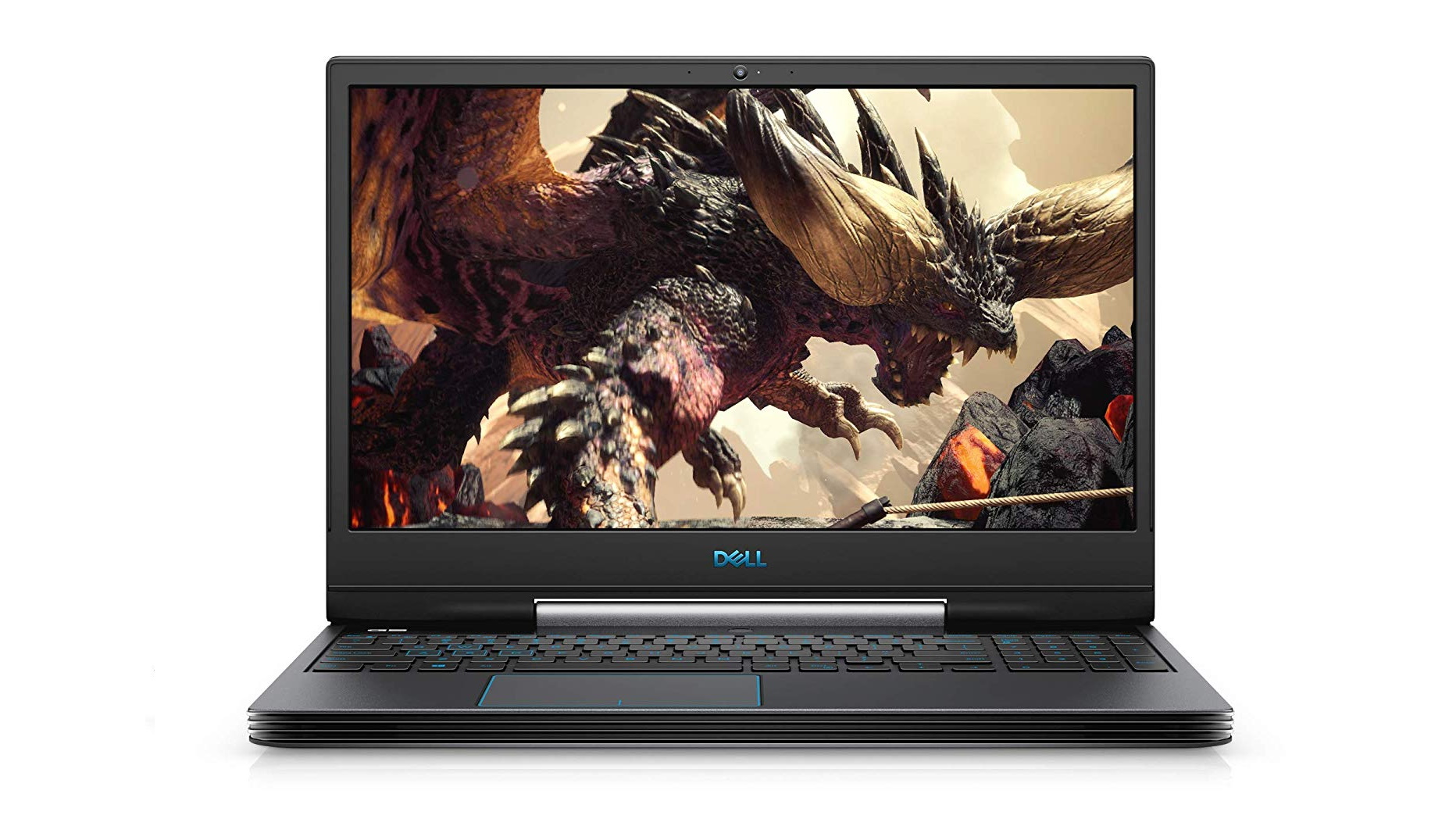
- Dell G Series: Dell’s G Series laptops are designed for budget-conscious gamers.
- ASUS TUF Gaming: ASUS TUF Gaming laptops are known for their durability and affordability.
Extending the Life of Your Affordable Gaming Laptop
Once you’ve purchased your affordable gaming laptop, here are a few tips to help extend its lifespan and maintain its performance:
- Keep it Clean: Regularly clean the laptop’s vents and fans to prevent dust buildup, which can lead to overheating.
- Update Drivers: Keep your graphics card drivers up to date to ensure optimal performance and compatibility with the latest games.
- Monitor Temperatures: Use monitoring software to keep an eye on your laptop’s temperatures. If you notice that it’s overheating, consider investing in a cooling pad.
- Manage Storage: Keep your storage drive organized and free up space by deleting unnecessary files and programs.
- Avoid Overclocking: Overclocking can increase performance, but it can also generate more heat and potentially damage your laptop.
- Use a Laptop Stand: A laptop stand can improve airflow and help keep your laptop cool.
- Handle with Care: Treat your laptop with care to avoid physical damage.
Conclusion
Affordable gaming laptops offer a fantastic entry point into the world of PC gaming. By understanding the key components, potential trade-offs, and strategies for finding the best deals, you can secure a capable gaming machine that fits your budget. Remember to prioritize the GPU, CPU, and RAM, and don’t be afraid to compromise on less critical features. With a little research and patience, you can unlock hours of gaming enjoyment without emptying your wallet. Happy gaming!